Mahadbt Scholarship User ID, Password & Mobile Number Issues
Students face two kinds of problems in the Mahadbt scholarship portal. One is forgetting the User ID or Password, and the other is forgetting or needing to change the registered mobile number.
How to Change Mobile Number in Mahadbt Scholarship
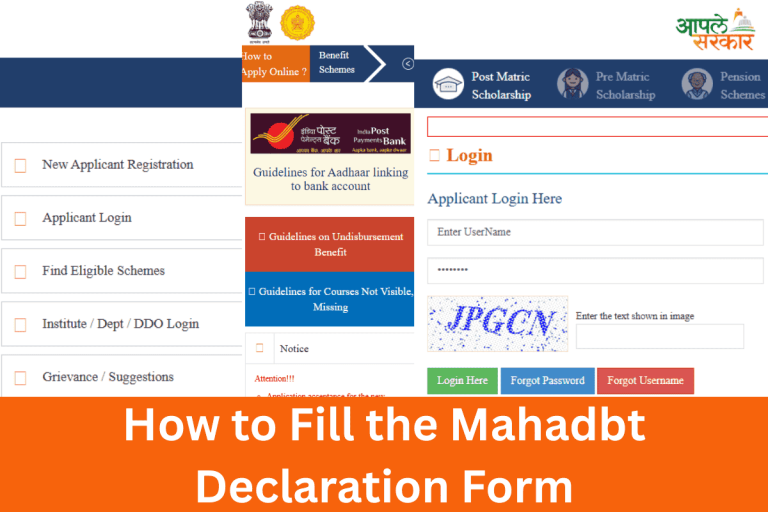
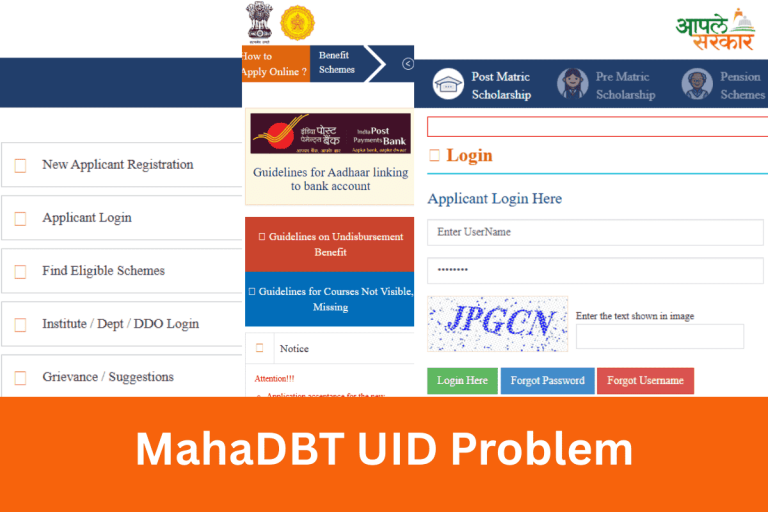
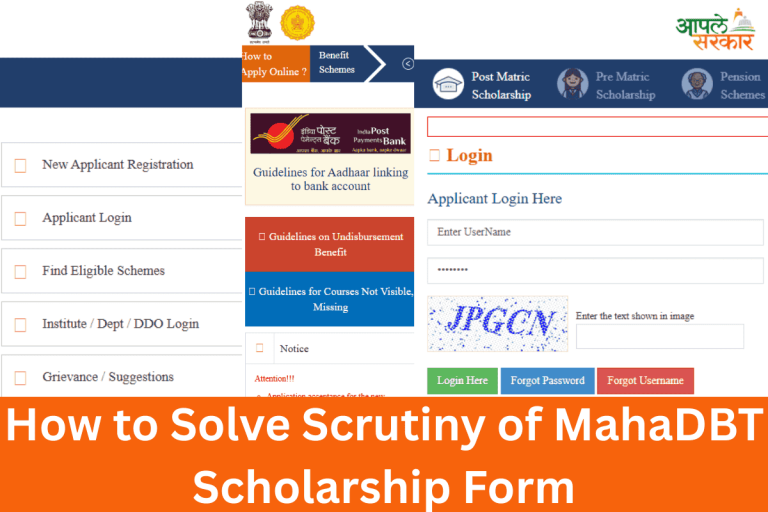
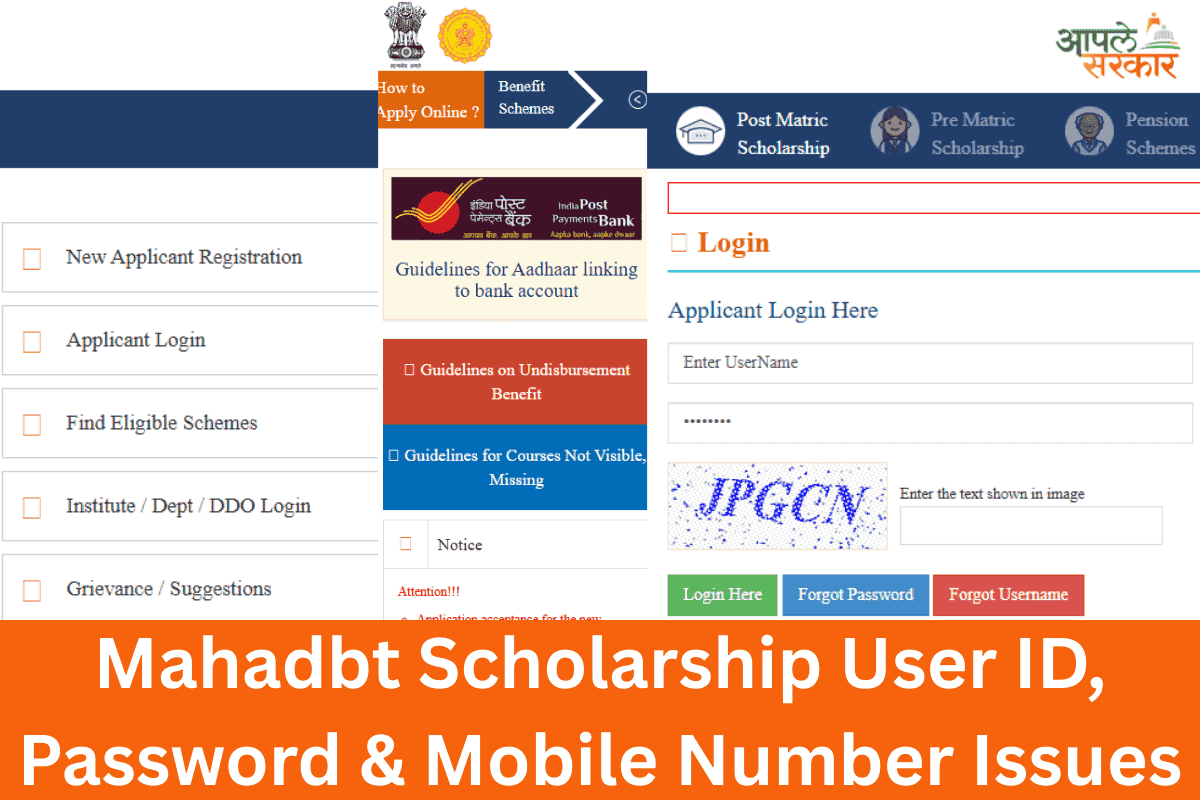
Log in to the Mahadbt scholarship portal with your username and password. Fill the captcha and click on the Login Here button.
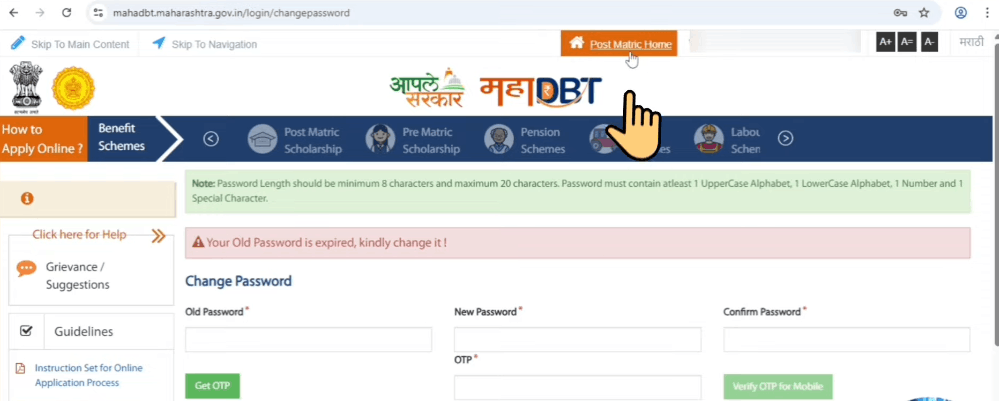
If your password has expired, it will show a prompt to create a new password. You set a new password and receive the OTP on your mobile number. But your mobile number is lost. So what should you do in this case?
An option appears on the dashboard called Post Matric Home. Click on it and choose the current academic year, and then click on the Submit button.
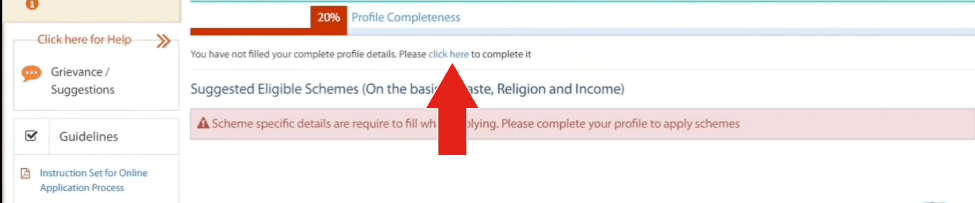
Again, an option appears Click Here; you have to click on it. Now your scholarship form is open. Now, click on the Personal Information tab and scroll down.
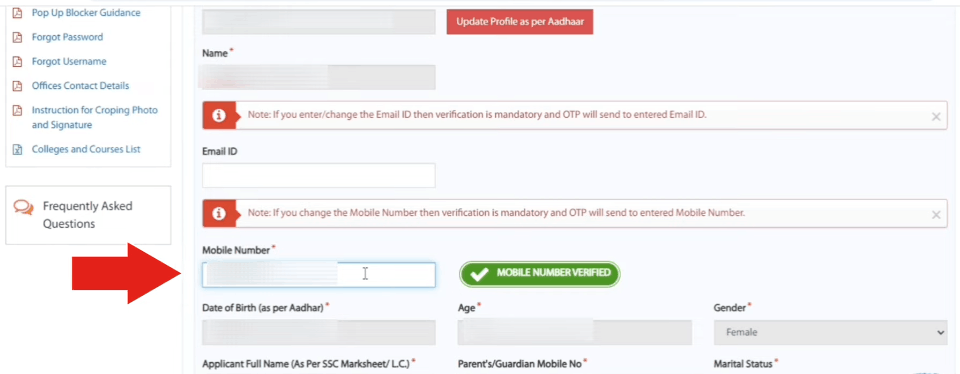
Here you can change your mobile number. Add your new mobile number and click on the MOBILE VERIFIED button. You receive an OTP on your newly registered mobile number. Enter the OTP and verify it.
A notification appears: “Mobile number verification has been done successfully.”
How to Recover User ID
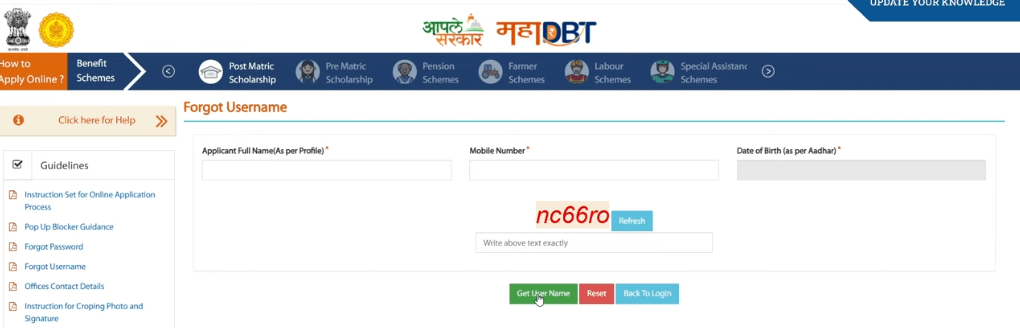
Step 1: Go to the Mahadbt Scholarship website and click on the Forgot Username button.
Step 2:
- Full name (must match profile)
- Registered mobile number
- Date of birth
- Captcha code
Click on the Get Username button. You receive the username on your registered mobile number.
How to Reset Password
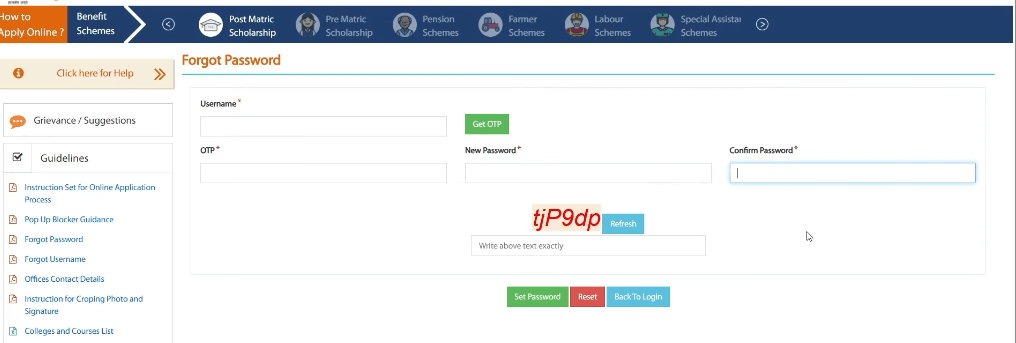
Step 1: Click on Forgot Password
Step 2: Enter your username and click on the Get OTP button. Paste the OTP and set a new password. Type the captcha carefully and click on the Set Password button.