MahaDBT Under DDO Complete Solution
Students submit their scholarship form and continue with their education. After some time, their profile status shows Under DDO. At this step, students become nervous.
They start asking whether the scholarship has been stopped or canceled. Due to the unclear status, anxiety arises.
What “Under DDO” Status Means in MahaDBT Scholarship
The Under DDO status does not indicate any problem. It is a normal step in the process because DDO stands for Drawing and Disbursing Officer.
This officer has the authority to release the scholarship payment. When a student’s application reaches this stage, it means that the verification process is complete.
The form goes through multiple verification levels, including the institutional level. When all the information is found to be correct, the application enters the “Under DDO” stage.
MahaDBT Scholarship Process Before Under DDO
There are several steps before the Under DDO status that need to be completed. The first step is to submit the form. Students submit their application, including education, personal, and financial information.
The second step is Scrutiny, where all the submitted documents are checked to verify whether the information is correct.
After scrutiny, the college clerk verifies the documents. It is confirmed that the student is actively studying at the institution and that the uploaded certificates are authentic.
The application then goes through Desk 1 and Desk 2. After approval from Desk 2, the application is transferred to Under DDO. This means the application has passed the initial verification phase.
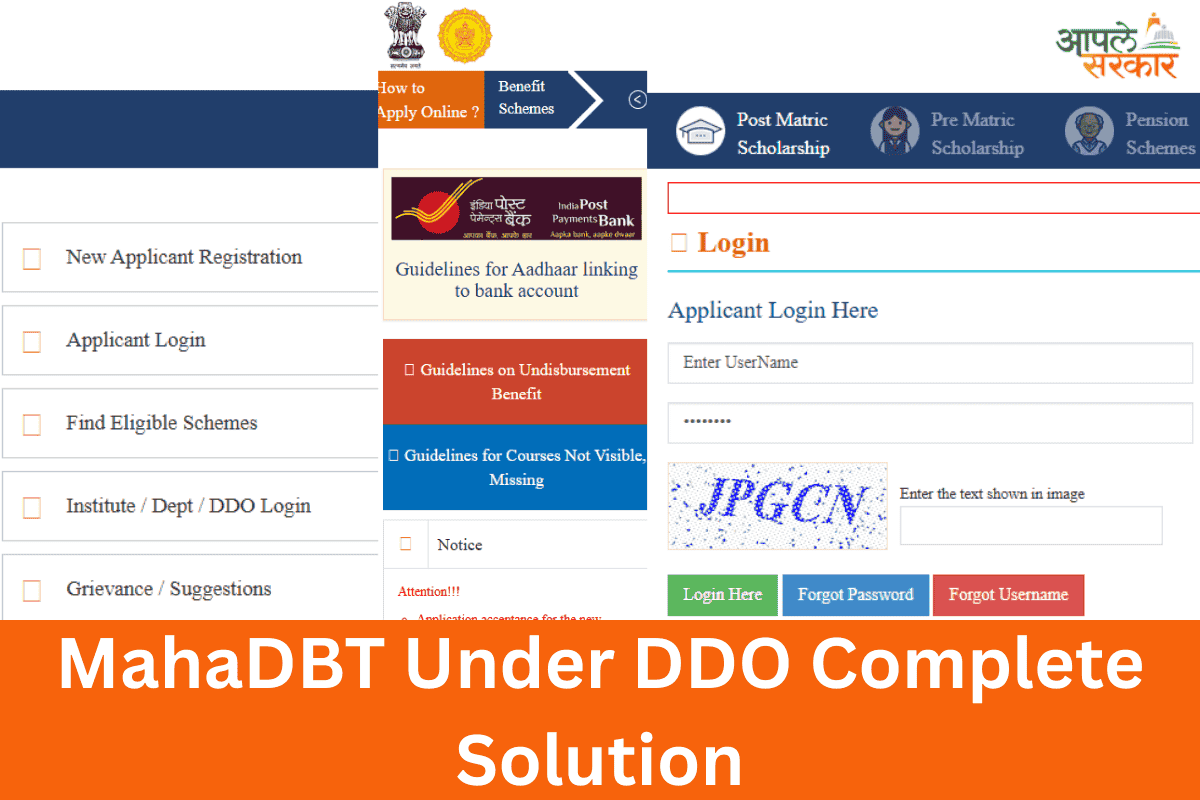
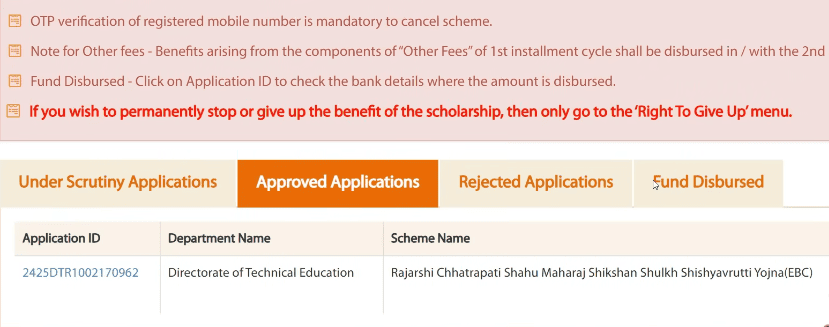
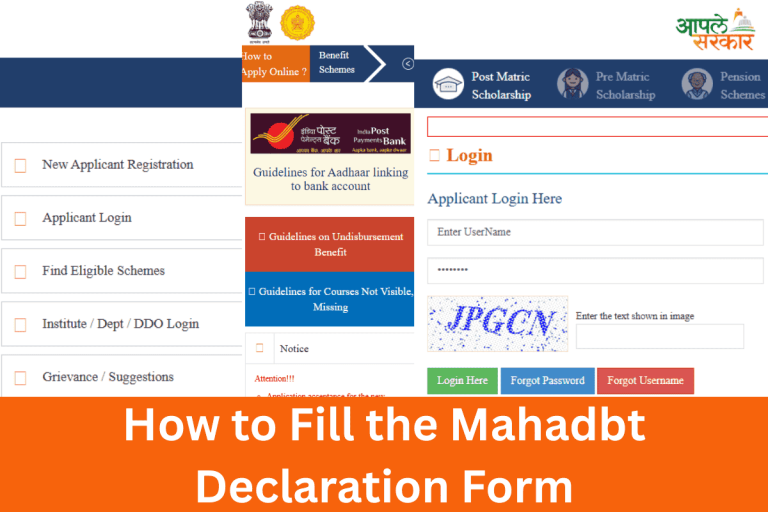
Log in to the MahaDBT portal using your credentials, including your username and password. Click on “My Applied Schemes,” and a complete list of all schemes will appear.
You can also check the status of your application, including the scrutiny status, on this page.
Reasons for Delay Despite Under DDO Status
Your application may show Under DDO, but the scholarship amount is still not credited to your account. This happens due to payment-related issues. Let’s discuss the main reasons in detail.
- Aadhaar is not linked with the correct bank account
If your Aadhaar is linked to the wrong bank account or the account is not active, the amount will not transfer. - UID Never Enabled for DBT message
If you receive the message “UID Never Enabled for DBT,” it means your Aadhaar is not activated for DBT payments. Visit your bank and request activation. - Different bank accounts linked
Some students have linked two different bank accounts in Aadhaar and in the MahaDBT scholarship form. If the bank details do not match, the payment may fail. - DDO status does not guarantee payment
Under DDO means your payment is ready to be released, but only if your Aadhaar and bank account information are correct and linked.
So I want to ask a question that after this step if there raises a problem in payment issue like as mentioned mistake in seeding adhar and bank account. Will this problem be solved like the candidate has given time for rectifying the mistake even though the mahadbt official application dates had been passed.
Hi Jay! Great question. 👍
Yes, even after the official MahaDBT application dates have passed, students are generally given a chance to fix payment-related issues like wrong Aadhaar seeding or incorrect bank account details.
Here is what you should do:
✅ Visit your bank immediately and request Aadhaar-DBT activation
✅ Make sure your Aadhaar is linked to the correct and active bank account
✅ Visit your college clerk and inform them about the issue
✅ Carry your Aadhaar card and bank passbook for verification
⚠️ Important: Since your application is already at Under DDO stage, the payment is ready to be released. The only thing stopping it is the bank or Aadhaar linking error. Fix it as soon as possible before the payment cycle closes.
Why my scholarship is not comming where I complete all the instructions you gave, and it’s 3 may does I get scholarship, it’s status in under ddo
Hey Paras! Under DDO status means your payment is ready but depends on budget release from the department it’s not in your hands anymore. Make sure you check the Redeem button on MahaDBT portal under My Applied Schemes → Approved Application → Check Redeem Status. Payments for December submissions are usually released between January to June, so there’s still a chance before the deadline.
My application is under DDO from 24/03/26 so my question is that today is 10 april 2026 so till when the scholarship will be credited in my account???
Unfortunately, MahaDBT does not provide any fixed or guaranteed date for payment credit after the Under DDO stage. The timeline depends on the DDO’s bill generation, Treasury Office approval, and fund transfer to the Central Pool Account, after which you will receive an SMS/email notification to redeem your voucher.
Please ensure:
✅ Your Aadhaar is linked and DBT-enabled at your bank
✅ Your bank account details match in both Aadhaar and MahaDBT portal
For updates, contact MahaDBT Helpline
Sir what’s the possible max delay ?
Hi Tanmay
The maximum delay after Under DDO status is usually 15-30 days, depending on the DDO’s payment cycle and bank processing time.
Sir according to my form my all things are clear and yet no msg is there in my email for dbt and no queries but still from 2 months my application is under ddo what is problem I am not getting and the is friends are getting scholarship approved by ddo
Hi Ayaan,
If it’s been 2 months, check with your bank if Aadhaar is enabled for DBT. Also contact your college clerk.
Fund disbursement in process batara ha hai sir maine adhaar seeding karwali to ab kitne din ke baad disbursed hoga 4 din pahle hi maine adhaar seeding karwali
Hi Sameer,
Aadhaar seeding ke baad generally 7-15 din mein disbursement ho jata hai. Portal par status check karte rahein.
my mahadbt post matric scholarship form is under ddo from last 4 months i have submitted the form in december 2025 and still the fund is not disbured in my account and my bank account is alredy linked to my aadhar card i have cheked from uidai website so what can i do now
Hey, 4 months at Under DDO is frustrating but it’s a budget release delay, not cancellation. Log in to MahaDBT → My Applied Schemes → Approved Application → Check Redeem Status and see if a Redeem button is available — many students miss this step. If it’s not showing, visit your college scholarship desk and ask them to follow up with the DDO office directly.
I can only check the redeem status from the website no redeem button is available and college clerk is saying that it is under government hands what should I do now i need urgent financial need and now June is starting
Hey, my mahadbt scholarship has been under ddo since 24/11/24 and still i haven’t received scholarship till now so will i receive the scholarship now or not.
Hi Prachita, your scholarship is not cancelled — Under DDO since November 2024 is a budget release delay, so first check My Applied Schemes → Approved Application → Check Redeem Status on the MahaDBT portal. If no update, visit your Samaj Kalyan office with your application ID and confirm your Aadhaar is actively linked to your bank account for DBT.
My name is Om Khirade. I have completed my 3rd year Engineering and I am facing an issue regarding my Government of India Post Matric Scholarship.
My 2nd year and 3rd year second installment scholarship applications are approved on the MAHADBT portal, but the status is still showing “Under DDO” and the scholarship amount has not yet been credited to my bank account.
Earlier, my Aadhaar seeding/NPCI mapping status was inactive around May 2025. I completed KYC and reactivated my Aadhaar bank seeding on 15 May 2026. Now the NPCI Aadhaar mapping status shows “Enabled for DBT” with ICICI Bank active.
I kindly request you to please check my scholarship status and let me know how many days it may take for the scholarship amount of both years to be credited to my bank account.
Thank you.
Om Khirade
My name is Om Khirade. I have completed my 3rd year Engineering and I am facing an issue regarding my Government of India Post Matric Scholarship.
My 2nd year and 3rd year second installment scholarship applications are approved on the MAHADBT portal, but the status is still showing “Under DDO” and the scholarship amount has not yet been credited to my bank account.
Earlier, my Aadhaar seeding/NPCI mapping status was inactive around May 2025. I completed KYC and reactivated my Aadhaar bank seeding on 15 May 2026. Now the NPCI Aadhaar mapping status shows “Enabled for DBT” with ICICI Bank active.
I kindly request you to please check whether my scholarship payment is still under PFMS/DDO processing due to the earlier inactive Aadhaar mapping and let me know the expected time for the scholarship amount of both years to be credited to my bank account.
would i go to the samaj kalyan office in pune to resolve my issue
Thank you.
Om Khirade
Hi Om, since your NPCI Aadhaar mapping with ICICI Bank is now active, the main block is cleared. Payment usually reflects within 7–15 days after reactivation, but since your applications were stuck during the inactive period, the DDO may need to re-initiate the payment file.
Yes, visit the Samaj Kalyan office in Pune — carry your MahaDBT application IDs for both years, ICICI Bank passbook, and a printed proof of “Enabled for DBT” status. Also quickly check on MahaDBT portal: My Applied Schemes → Approved Application → Check Redeem Status before visiting, as sometimes a Redeem button appears that students miss.
Since two years of payments are pending, a direct office visit will be faster than waiting on the portal.
Thank you for your response.
As advised, I visited the Samaj Kalyan Office in Pune today regarding my pending Government of India Post Matric Scholarship payments. However, the officials informed me that the issue is not handled at their office and directed me to contact the Commissionerate of Social Welfare, Maharashtra State, Agarkar Nagar, Pune.
My scholarship applications are still showing pending status (Under DDO/Second Installment) and the scholarship amount has not yet been credited to my bank account, even though my NPCI Aadhaar mapping is now active and shows “Enabled for DBT” with ICICI Bank.
Could you please confirm whether I should visit the Commissionerate of Social Welfare office for further resolution? Also, kindly check whether my applications are still pending at the DDO/PFMS level and advise on the next action required from my side.
Thank you for your guidance.
Om Khirade
My application has been approved from 17 th of December and from that day its still UNDER DDO. now its almost June and I am scared that if the college doesnt receive the amount , I have to pay such big amount . I am frustrated too because i am in need for the scholarship amount which i might receive . also my there is no issue for bank account or DBT thing as the account is linked with Aadhar .
Hi Rutuja, since your bank and Aadhaar are correctly linked, the delay is purely a government budget release issue, not your fault. Payments for December approvals are typically disbursed between January and June, so you are still within the window. Immediately check MahaDBT portal → My Applied Schemes → Approved Application → Redeem Status, and if no update by end of June, contact the MahaDBT helpline or visit your Samaj Kalyan office with your application ID.
HI MY APPLICATION IS UNDER DDO FOR SECOND INSTALLMENT FROM 09/04,2026. WHEN IT WILL CREDITED TO MY ACCOUNT. FIRST INSTALLMENT IS ALREADY CREDITED TO BANK , MEANS THERE IS NOT ANY ISUUE OF ADHAR SEEDING. PL CLARIFY
Hi Atharv, since your first installment came through fine, there’s no issue on your end — the second installment is just waiting on the government’s budget release cycle, which usually takes a few months. If it’s not credited by end of June, call MahaDBT helpline or visit your college DDO with your application ID.
Dear Sir,
As i Mentioned before, my My Government of India Post Matric Scholarship applications for both the 2nd year and 3rd year (Second Installment) are approved on the MahaDBT portal, but the scholarship amount has still not been credited to my bank account.
Earlier, my NPCI Aadhaar mapping was inactive, but it has now been successfully activated with ICICI Bank and shows “Enabled for DBT.”Both year 2nd installment not credites as my application of both year is approved ..
Will You Please tell which office does i want to be Visit in Pune please give me the Address.
And also tell whom did i meet means which officer did i want to meet to resolve the issue…
please help me !!!!!!
Hello Sir/Madam,
I have a query regarding my Dr. Punjabrao Deshmukh scholarship application on the MahaDBT portal.
My application was approved on 26 September 2026, and the current status is showing “Under DDO.” I would like to know approximately how much time it may take for the scholarship amount to be credited to my bank account.
I also changed my Aadhaar seeding/DBT-linked bank account from Bank of Maharashtra to Kotak Mahindra Bank. A subsequent scholarship installment was successfully credited to my Kotak account. Therefore, will my Punjabrao scholarship payment be credited to my currently Aadhaar-linked Kotak Mahindra Bank account, or do I need to take any additional action?
For my Punjabrao scholarship, scrutiny for the first installment has been completed, while the second installment is still pending.
I understand that the MahaDBT 1.0 portal is scheduled to remain active until 30 September 2026. If the portal closes after 30 September, how will the pending scrutiny and processing of the second installment of my Punjabrao scholarship be carried out? Will it automatically continue through MahaDBT 2.0, or will I need to take any action/re-apply?
Please guide me regarding:
1. The expected processing time for my scholarship, which is currently showing “Under DDO.”
2. Whether the payment will be credited to my currently Aadhaar-linked Kotak Mahindra Bank account.
3. How the second installment will be processed after 30 September 2026.
Thank you.