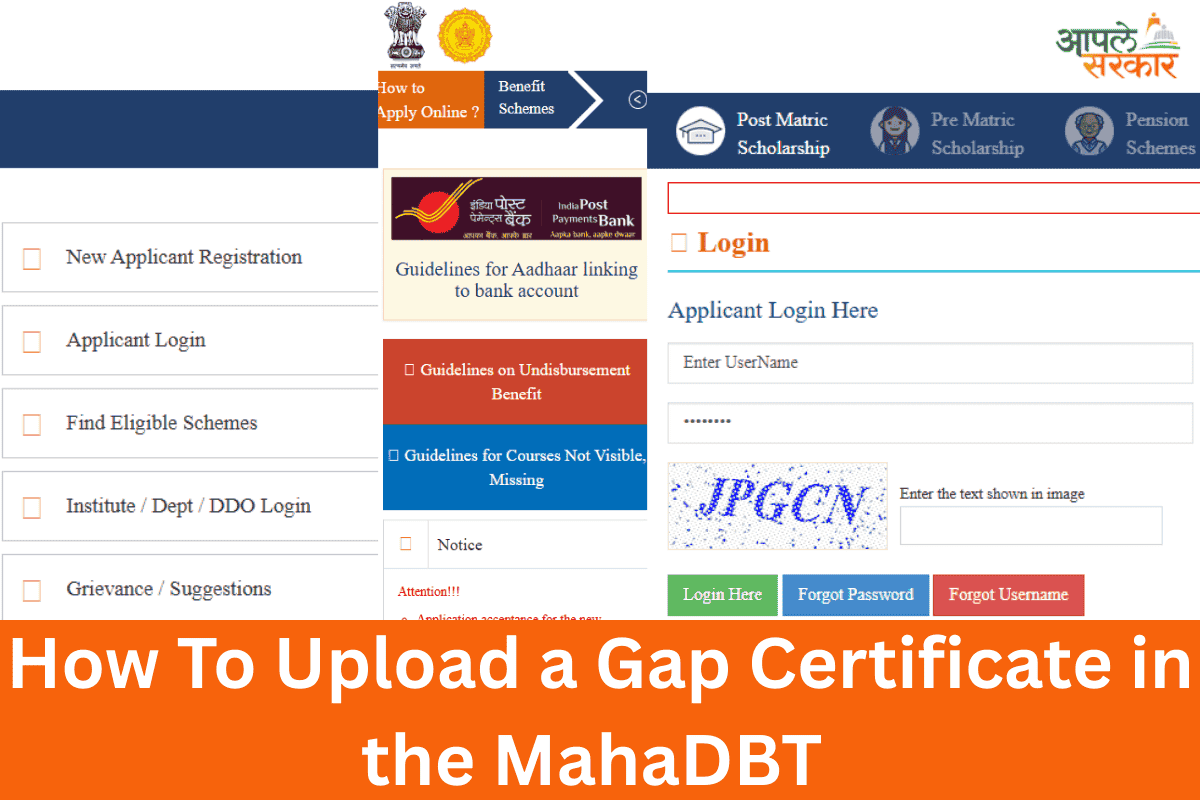
How To Upload a Gap Certificate in the MahaDBT Scholarship Form
Students face a challenge during form filling for the Mahadbt scholarship related to an education gap. This question about the gap appears every year, and students are often unsure whether they need to upload a gap certificate.
Students are doubtful whether their application will be rejected if they do not upload the certificate. Mostly, 12th-grade students have taken a gap in their education.
What Is an Education Gap in the MahaDBT Scholarship Context
An academic gap refers to the period between the completion of one educational stage and the beginning of the next stage. This gap can be one year or more.
The gap automatically appears on the Mahadbt portal based on the student’s passing years. Sometimes, the portal shows the gap period but does not provide an option to upload the gap certificate.
Step-by-Step Guide to Upload a Gap Certificate in the MahaDBT Scholarship Form
Log in to the MahaDBT Portal
Go to mahadbt.maharashtra.gov.in → Log in using Aadhaar OTP or your registered mobile number.
Open Your Application
Click “My Applications” → Select your current scholarship application → Click “Edit Application.”
Go to the Qualification Section
Scroll to “Qualification Details” → Fill in your previous education details correctly.
Select the Gap Option
After saving the qualification details, answer the question:
“Was there any gap in this qualification/course? (Yes/No)” → Select “Yes.”
Upload the Gap Certificate
In the “Upload Documents” or “Additional Documents” section, find “Gap Certificate / Gap Affidavit.”
Click “Browse” → Select your notarized gap certificate PDF (maximum size: 5 MB).
Save & Submit
Save the application and submit it. Take a screenshot of the uploaded document for future reference.
Note: The gap certificate must be on ₹100–₹500 stamp paper, notarized, and must clearly mention the gap period and the reason. If it is not uploaded correctly, the institute may mark the application as “Defective.”