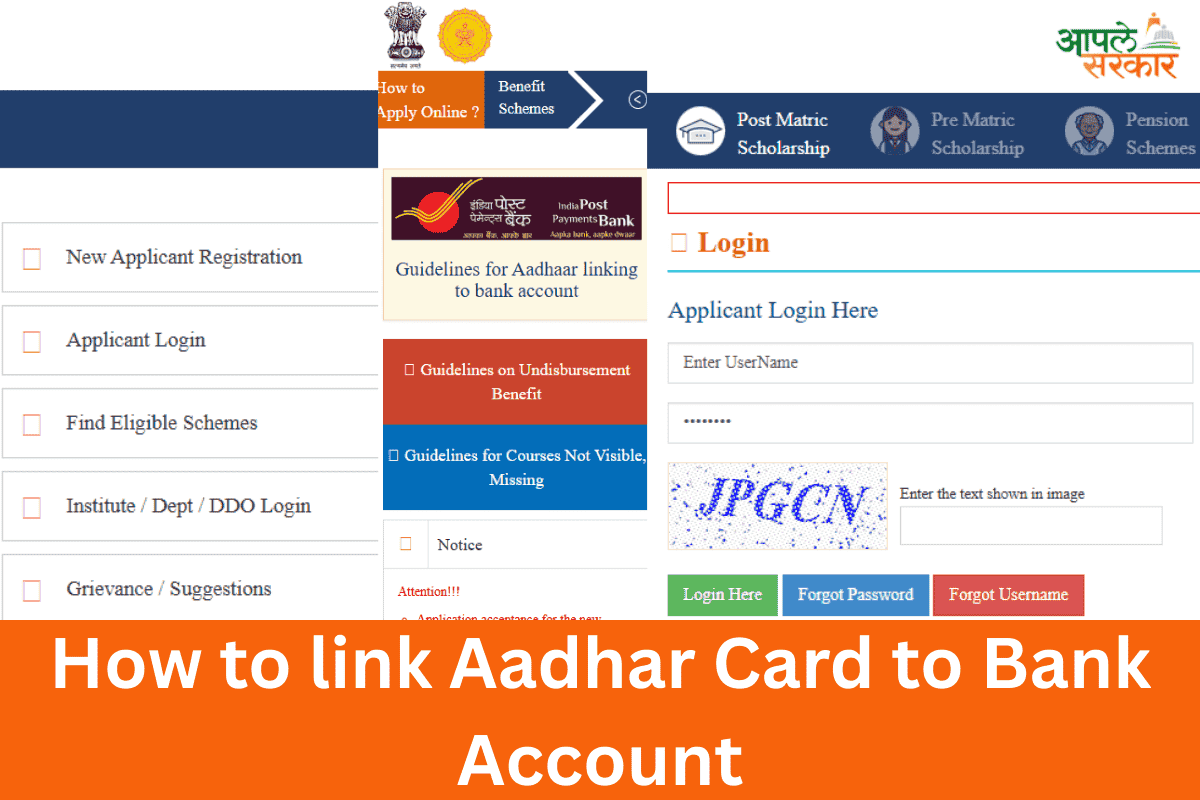
How to link Aadhar Card to Bank Account
Today is a digital era, and getting financial aid through different scholarships or schemes is important. You cannot stand in line in front of banks or by visiting. The Government has made it easy through technology.
Aadhaar linking with your bank is crucial for saving time and cost. You directly get the scholarship or scheme amount in your account. If your Aadhaar and bank account are not connected, you will not receive the Mahadbd scholarship amount.
Mahadbd’s scholarship system operates digitally. The government directly transfers the amount to the eligible students’ accounts. No institution works in the middle of this process. If Aadhaar and a bank account are not mapped, your amount may be stopped or fail.
Steps to Link Your Aadhaar with Bank Account
Open your browser and type NPCI and click on the National Payments Corporation of India website. Then click on the option in the menu bar, Customer, and then click on the Bharat Aadhaar Seeding Enabler option.
Click on the Aadhaar seeding option, type your 12-digit card number, and request seeding. Select your bank and choose the seeding type. Enter your bank account number carefully and repeat it in the confirmation box.
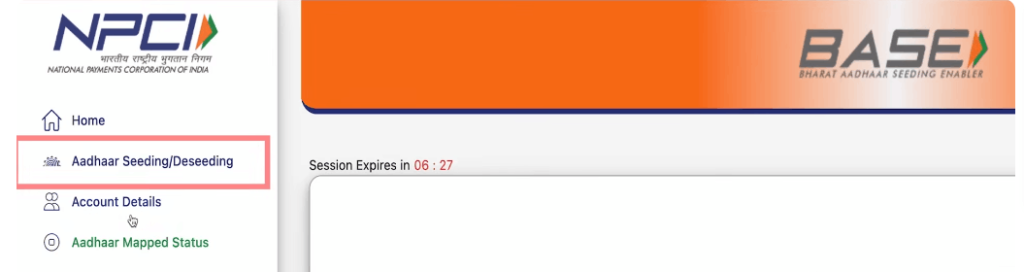
Accept the terms and conditions, fill in the captcha, and click on the submit button. It will show you the Terms and Conditions page, click on the Agree and Continue button. You receive an OTP on your registered mobile number with your Aadhaar card. Click on the confirm button. Your Aadhaar card is now linked with your bank account.
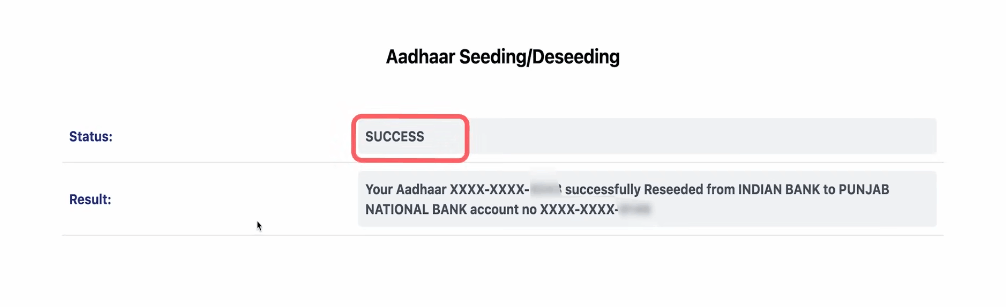
How to Check Aadhaar & Bank Mapping Status
It is an important step to check whether your Aadhaar number is linked to your bank account or not. There is an option called Aadhaar Mapped Status. Click on this button, and it will redirect you to the next page.
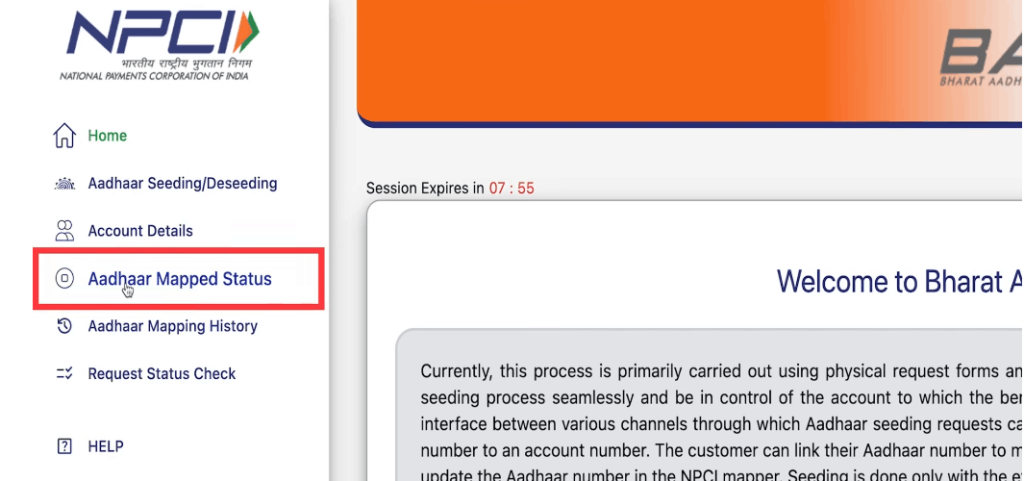
Type your 12-digit Aadhaar card number, type the captcha, and click on the Check Status button. You receive a six-digit OTP on your registered mobile number that is linked to your Aadhaar card. Enter the OTP and confirm it.
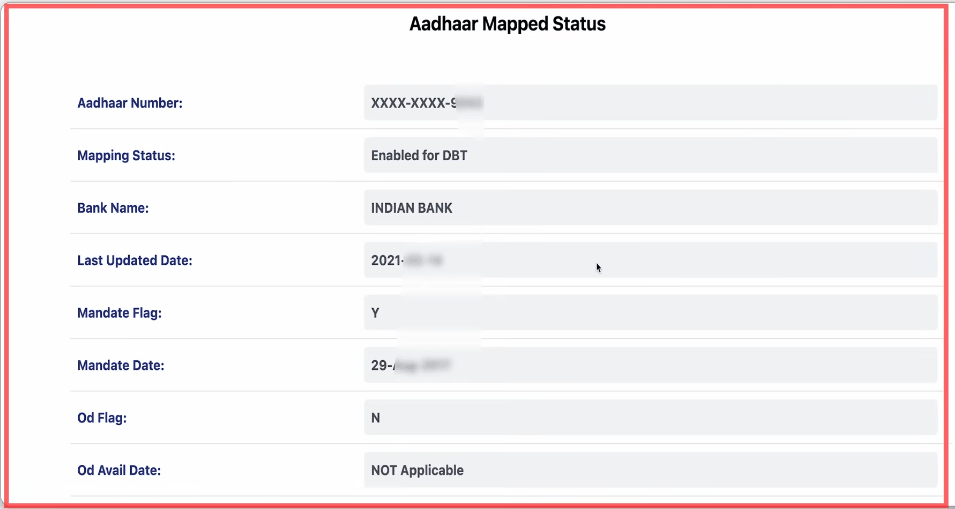
All bank accounts that have been linked to Aadhaar in the past appear on the screen after OTP verification. You can also check which account is active and when the last time it was updated.
An important sign is the Mandate Flag; if it is showing Y, that means the amount will be transferred. If N is showing, it means your account is inactive.